You can use the Blendable Advisor Centre to keep us updated on any changes to your contact info.
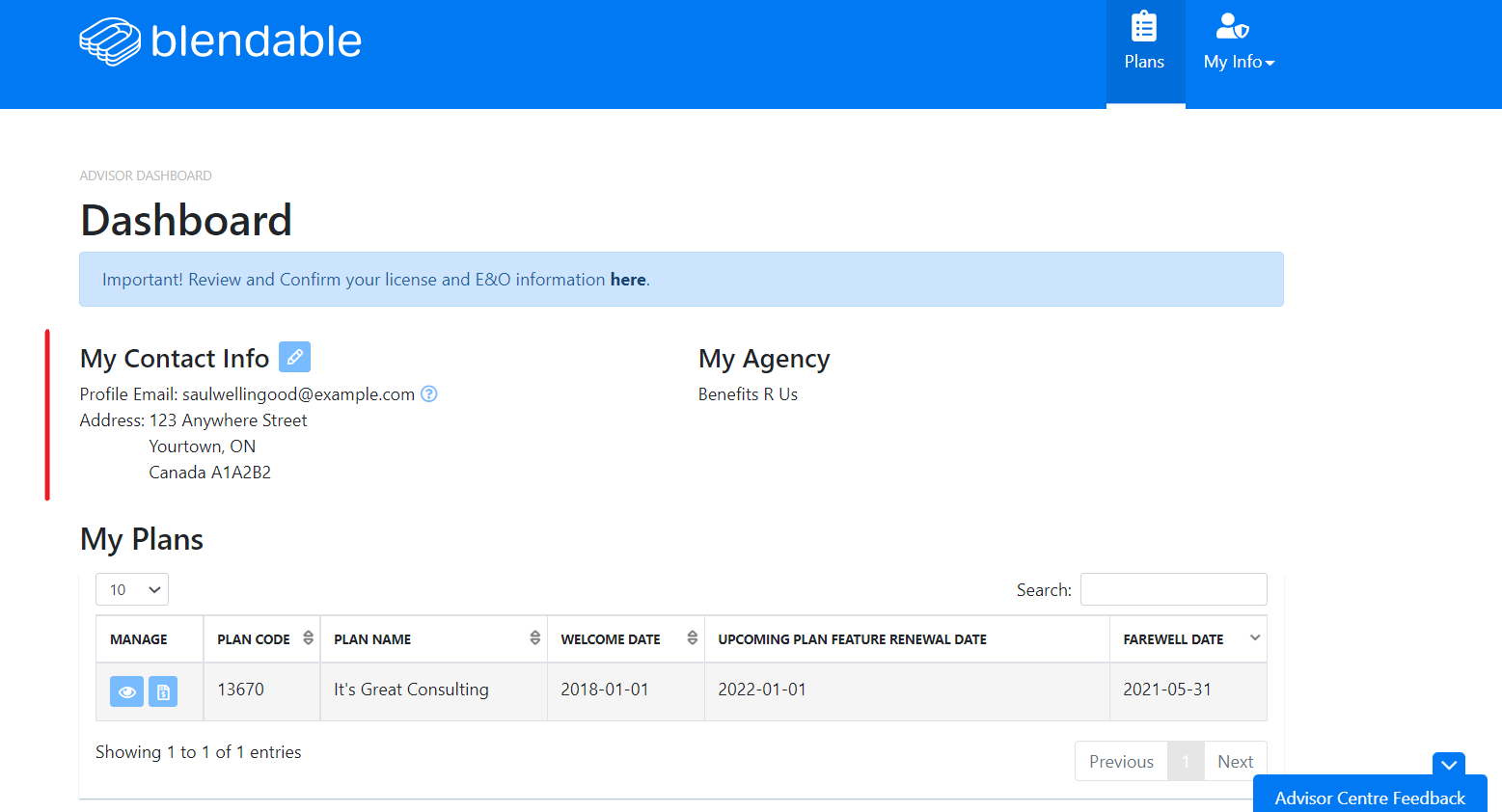
After logging in, you can see My Contact Info on the dashboard.
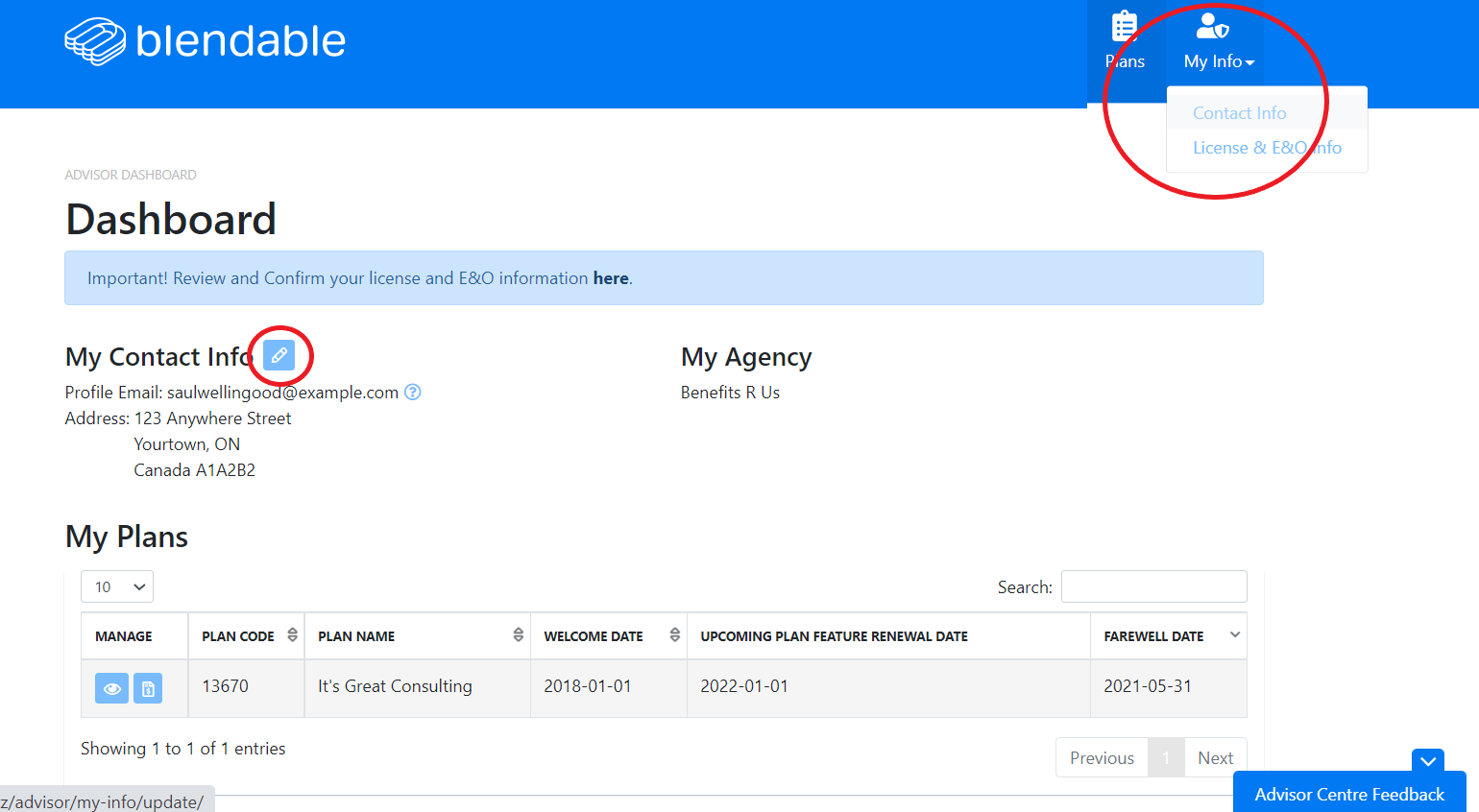
To edit your info, click the pencil icon or select Contact Info from the My Info drop down menu.
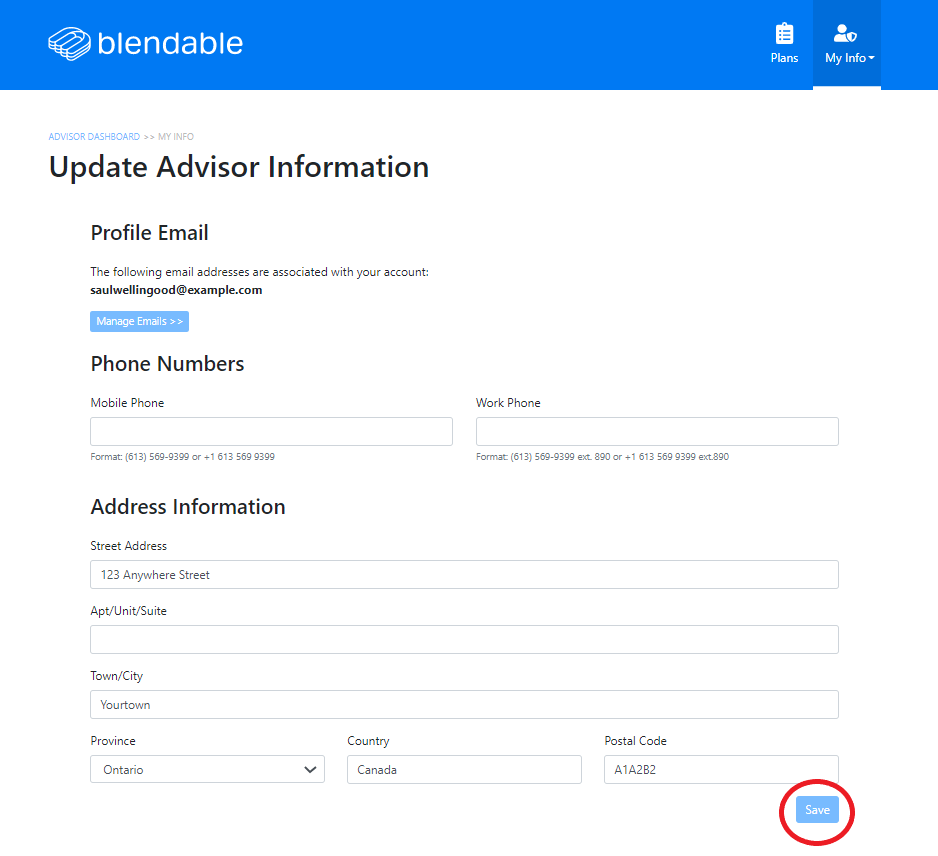
Add your info and click save. We'll update our records accordingly.